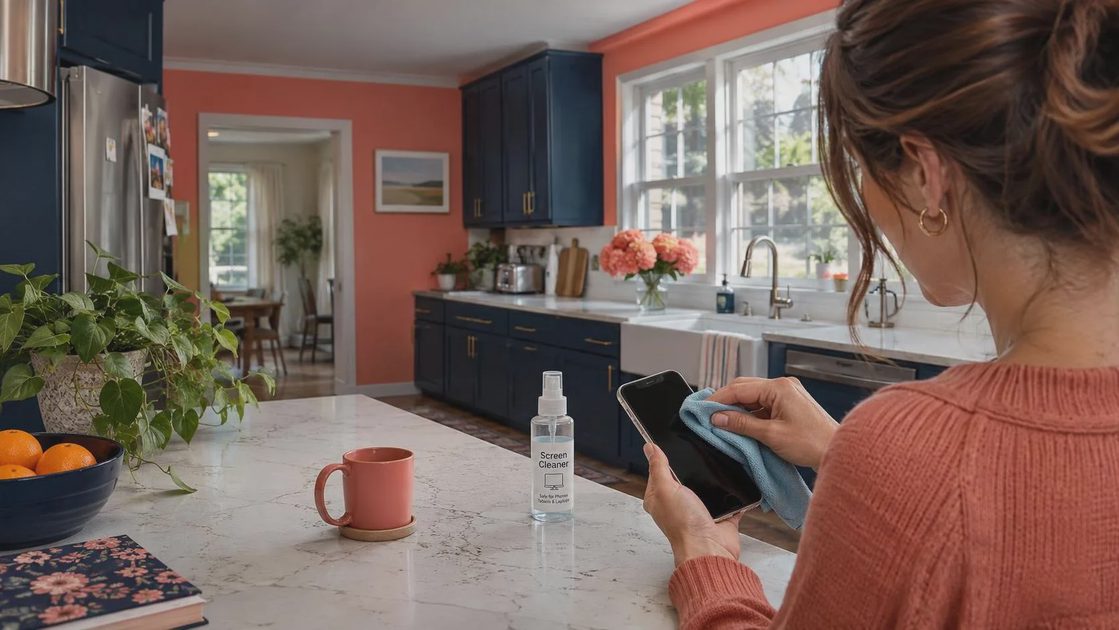
If you're wondering how to clean phone screens without damaging them, start with a soft, lint-free microfiber cloth. Turn the phone off, unplug it, remove the case, and gently wipe the screen and exterior. For stubborn grime, lightly dampen the cloth with water, not the phone. Let everything dry completely before reconnecting a cable or putting the case back on.
You don't need an expensive cleaning kit for routine fingerprints. A clean microfiber cloth is usually enough, and the bigger job is knowing where not to put moisture: charging ports, speaker openings, and any cracks in the screen or case.
What to gather before you start
For a basic clean, grab a microfiber cloth, a little water, and a dry place to set the phone. A second cloth is helpful for drying. If you're cleaning the removable case, mild dish soap can help, but keep the soapy water away from the phone itself.
Check your phone manufacturer's cleaning instructions before using a disinfectant. Some manufacturers permit specific alcohol wipes on certain exterior surfaces, but instructions can differ by device, screen protector, and material. A folding phone or a phone with a damaged screen deserves particular care because moisture can reach places it shouldn't.
Take off any accessories that can trap dirt, including the case and removable grips. Unplug headphones and charging cables. If the phone feels warm from charging or heavy use, let it cool before cleaning.
How to clean phone screens and the outside
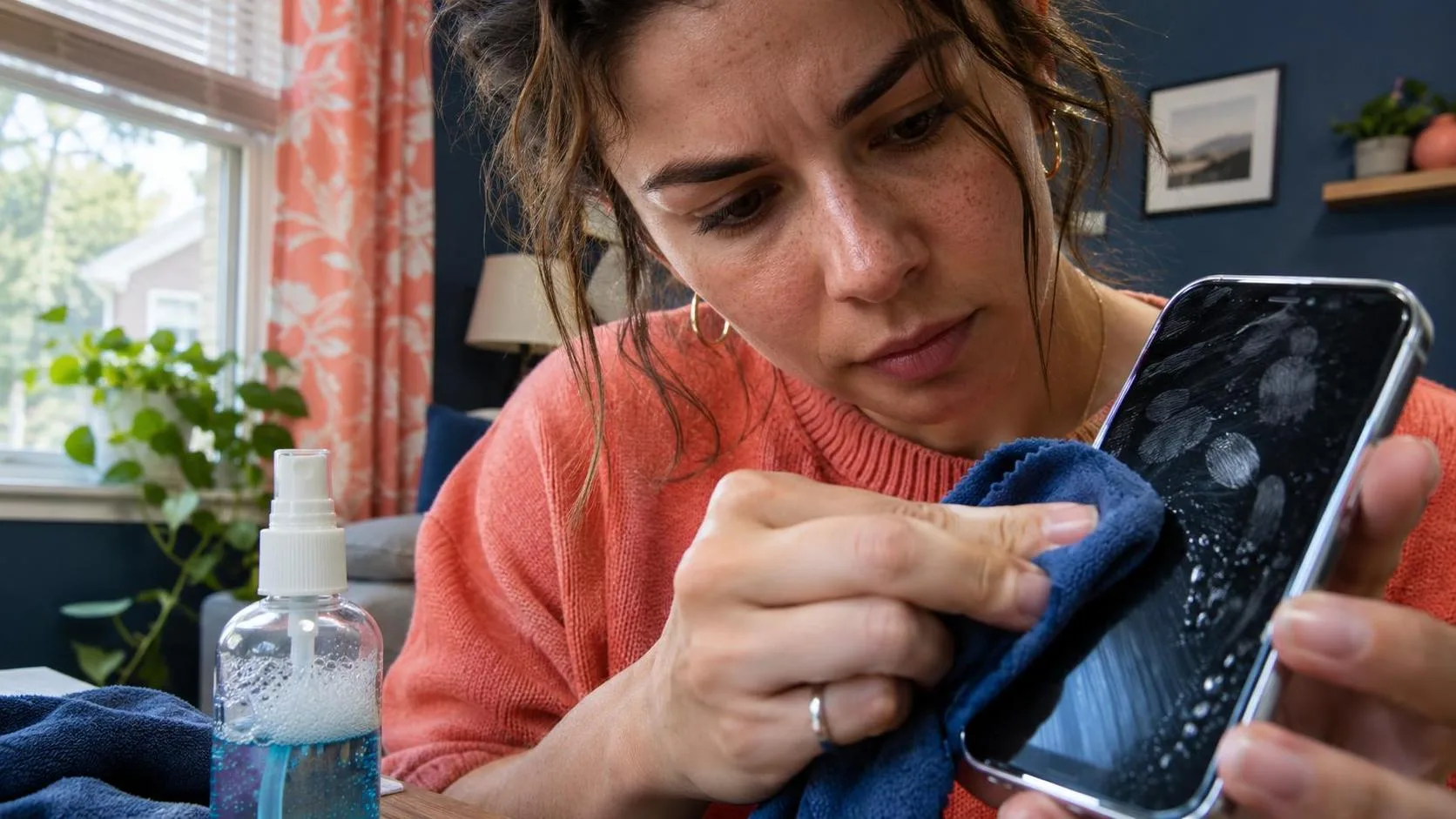
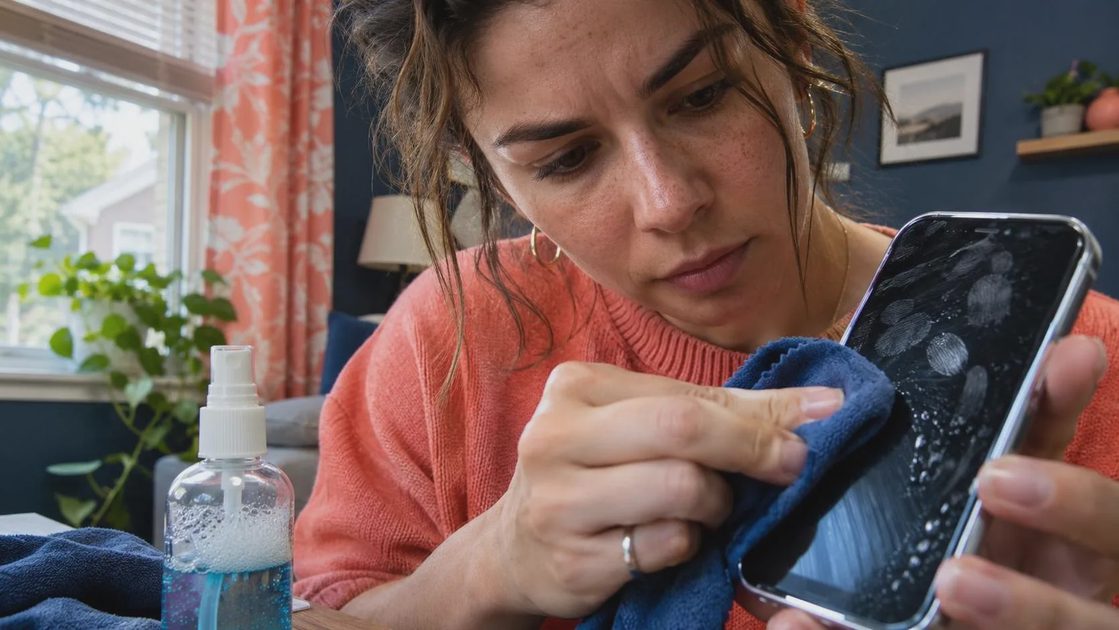
Start by wiping the display with the dry cloth using gentle strokes. Turn the cloth to a clean section as it picks up oil and dust. Wipe the back and sides too, paying attention to the rim around the camera lenses. Avoid pressing hard: that won't help a stubborn spot enough to justify the risk.
For residue that won't budge, lightly dampen a corner of the cloth with water. It should feel barely damp, not wet enough to drip when squeezed. Wipe the affected area, keeping moisture away from openings, then follow with a dry section of cloth.
Clean the camera lenses with a clean, dry section of microfiber. A dirty cloth can drag grit across the glass, so shake it out or use a fresh one if you can see particles. If a mark remains, use the same barely damp approach and dry the lens afterward.
Don't spray liquid directly onto the phone, even if it's advertised as water-resistant. Water resistance isn't a promise that every opening or seal will stay watertight forever. Skip paper towels and abrasive pads, which can scratch surfaces, and avoid glass cleaner, bleach, and other harsh household cleaners unless the manufacturer specifically says otherwise.
When you want to disinfect, not just clean
Cleaning removes visible dirt and oils; disinfecting is a separate step intended to kill germs. For ordinary daily smudges, a cloth is generally the simpler choice. If you want to disinfect after sharing a phone or handling it while sick, check the manufacturer's guidance for your exact device first.
Some phone makers allow a 70% isopropyl alcohol wipe on certain hard, nonporous exterior surfaces. That is not blanket permission to soak a phone in alcohol or use it on every accessory. Avoid openings, don't submerge the device, and follow the product label and phone maker's directions, including any required surface contact time.
Screen coatings, leather cases, fabric accessories, and screen protectors may have different care instructions. Frequent use of cleaners can affect some coatings or finishes, so don't assume that a disinfectant is the best everyday solution. Let the phone dry fully before using or charging it.
Clean the case separately
A removable case can collect grime along its inside edges, where a quick wipe of the screen won't reach. For a plain silicone or plastic case, check its care instructions; many can be washed separately with mild soap and water. Use your fingers or a soft cloth to work around the corners, rinse the case if its manufacturer permits, and dry it thoroughly inside and out.
Don't put a damp case back on the phone. Moisture can stay trapped between the two surfaces, especially around the camera cutout and buttons. Give the case time to air-dry if water remains in its seams.
Leather, fabric, battery, and electronic cases need their own care instructions. Don't soak them or assume dish soap is safe for the finish. A dry cloth may be the safest starting point until you check the maker's guidance.
Be careful with ports and speakers
A charging cable that won't seat properly may be blocked by pocket lint, but a dirty port isn't the only possible cause. Try another compatible cable and check the connector for damage before assuming the phone needs repair.
Turn the phone off and disconnect everything before inspecting an opening. Use a light to look inside, but don't pour liquid into the port or poke around with a metal pin. A sharp tool can damage contacts or push debris farther in. Compressed air is also best avoided unless your phone maker explicitly recommends it.
For speaker grilles and other small openings, follow the device manufacturer's cleaning directions. If debris is packed in, the port looks damaged, or charging still fails after basic checks, a reputable repair professional is a safer next stop than digging harder.
How often should you clean it?
Wipe visible fingerprints whenever they bother you, and clean the case and its edges when you notice buildup. A quick routine is more useful than buying a cabinet of special products: keep a clean microfiber cloth where you normally charge your phone, and wash the cloth according to its care label when it gets dirty.
If your phone has been exposed to a spill, switch it off, disconnect it, and follow the manufacturer's instructions for that specific liquid. Don't plug in a wet phone. If liquid has reached an opening or charging produces a moisture warning, give the device time to dry according to the manufacturer's guidance rather than using heat or putting it in rice.