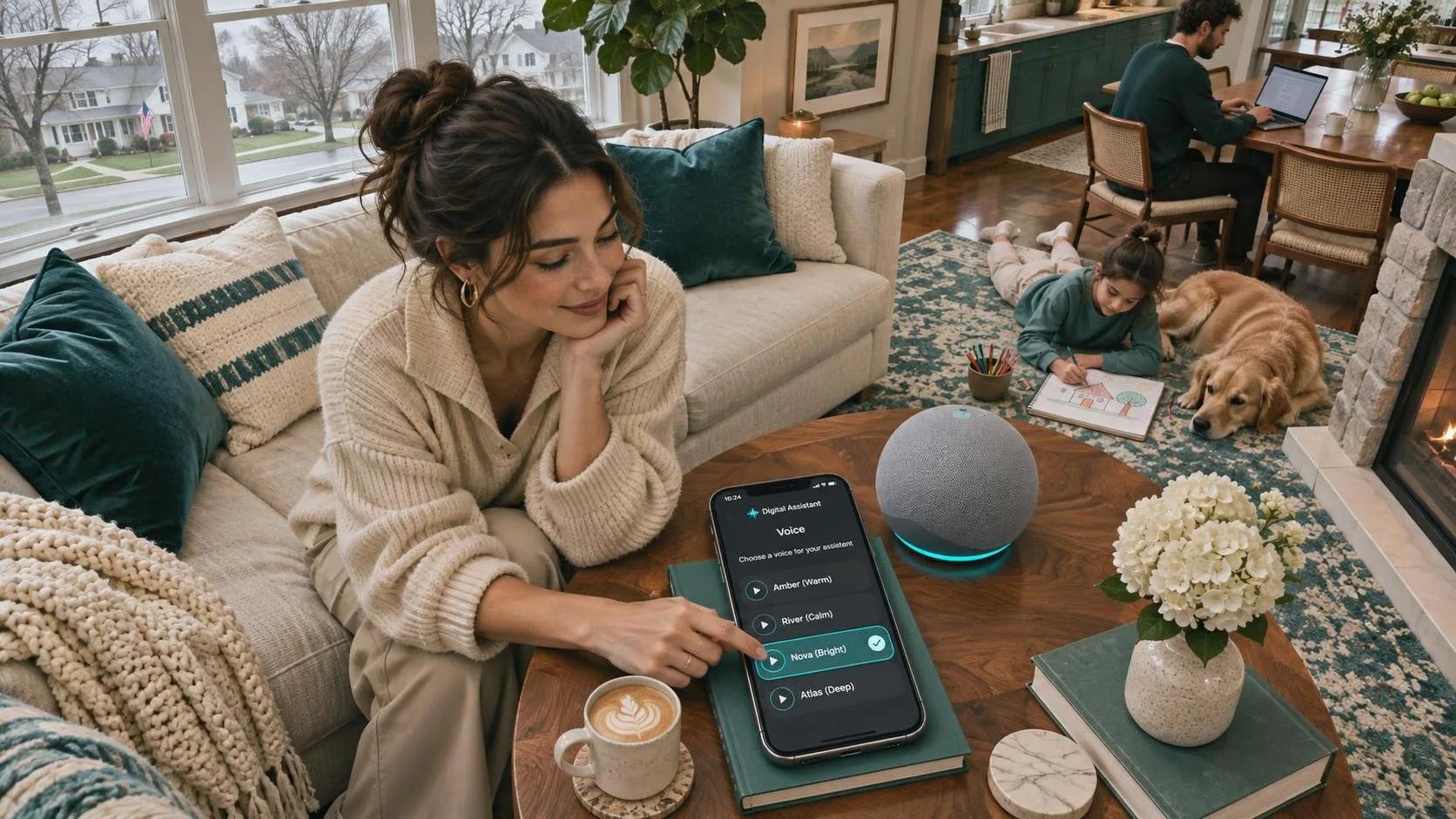
If you are wondering how do i change alexa's voice, the quickest answer is to try the voice command, then check the Alexa app if nothing happens. Say, “Alexa, change your voice,” and listen for the response. On supported Echo devices, Alexa may offer another available voice or guide you through the choice. Amazon does not show the same voice options on every device, account, or location, so a missing option does not necessarily mean your Echo is broken.
The Alexa app is the better place to manage language, regional settings, and device-specific options. It also gives you a way to confirm that you are changing the Echo you actually use, rather than a speaker in another room. The process usually takes only a few minutes and does not require a subscription or new hardware.
How do i change alexa's voice with a voice command?
Start with the Echo that should use the new voice. Make sure it is connected to Wi-Fi and that its microphone is not muted. Then say, “Alexa, change your voice.” Speak normally and wait for the complete reply; interrupting the response can make it seem as if the command failed.
If Alexa presents a choice, answer the follow-up question clearly. Some devices simply switch to an alternate voice, while others may explain that the feature is unavailable. You can also try, “Alexa, can you change your voice?” because Alexa’s supported commands and responses can change as Amazon updates its software.
This method is useful when you want a fast experiment. It is less useful when several Echo speakers are linked to one account. The command usually affects the device hearing you, but account and household settings can influence what is available. Test the result by asking for a weather report or timer. If the response sounds unchanged, use the app rather than repeating the same command several times.
How do i change alexa's voice in the Alexa app?
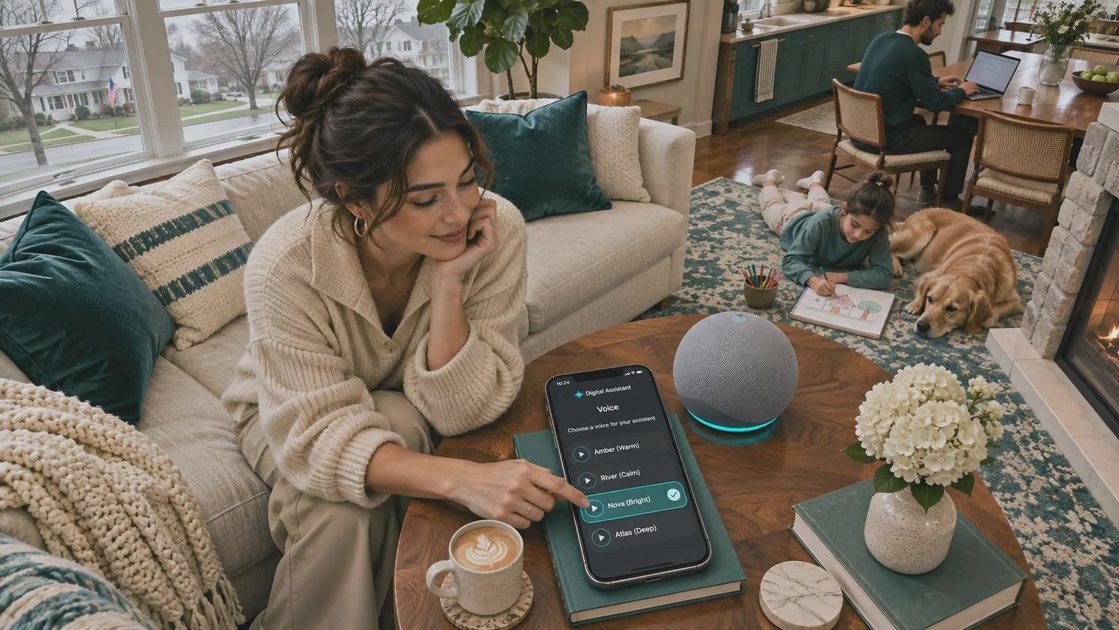
Open the Alexa app on an iPhone or Android phone, then tap More and choose Settings. Look for Alexa App Settings, Device Settings, or a similar device-management area, depending on the app version. Select the specific Echo you want to adjust. You may need to tap the device’s gear icon before seeing its language or voice-related controls.
Voice choices are often connected to language and region. For example, an Echo set to English may offer regional English settings, while bilingual settings can let Alexa understand and respond in two languages. Choose the language combination that fits your household, then follow the prompts to save it. A language change can affect commands, shopping, skills, music titles, and pronunciation, so test the device afterward.
Amazon has changed the layout of the Alexa app several times. If you cannot find a voice menu, update the app through the Apple App Store or Google Play, close and reopen it, and search Settings for “language.” Do not install a third-party app that claims to unlock hidden Alexa voices. It is unnecessary and could expose your Amazon login.
Why voice options may be missing
A common reason for limited choices is that Alexa voice customization is not available for that particular Echo model or account region. Amazon releases features in stages, and the US version of an account may not show exactly the same options as an account registered elsewhere. Older devices can also have fewer settings than newer Echo models.
The voice you hear may also come from a specific skill rather than Alexa itself. A news, game, meditation, or celebrity-themed skill can use its own audio, and changing Alexa’s standard voice will not necessarily change that content. Music, podcasts, and calls naturally keep the voices recorded by their creators.
If Alexa misunderstood the request, check the Activity section in the app to see what it heard. A noisy kitchen, television, or distant speaker can cause an incorrect transcription. Move closer, speak toward the Echo, and try again. A restart is reasonable too: unplug the device for about 30 seconds, reconnect it, and wait for the normal startup response.
How do i change alexa's voice without disrupting the household?
Before changing language or regional settings, consider who uses the Echo. Children may rely on familiar prompts, and a bilingual setting can create confusion if one person expects an English answer while another asks for a Spanish response. Test alarms, shopping lists, smart-home commands, and routines after making a major language change.
Voice changes do not erase your Amazon account, but household privacy still deserves attention. Anyone within range may hear responses, including calendar reminders, order information, or personalized results. Open the Alexa app’s Privacy settings to review voice recordings and choose whether to delete stored recordings. You can also use the microphone button on the Echo when you want the device to stop listening for the wake word.
If your family shares one speaker, avoid assuming that a voice change creates separate privacy profiles. Voice ID can help Alexa recognize individual users for some personalized features, but it is not a security lock for banking or sensitive accounts. Keep purchase voice ordering disabled or protected by a voice code if accidental orders would be a problem.
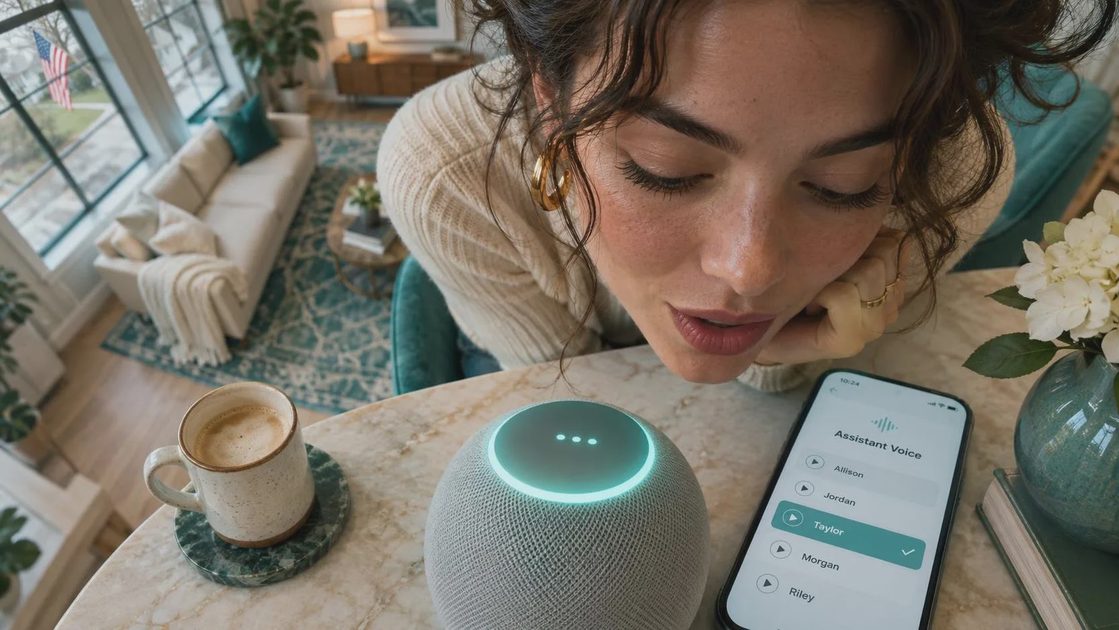
Troubleshooting the change step by step
If you are still asking how do i change alexa's voice after trying the command and app, work through the basic fixes in order. First, confirm that the Echo appears online in the Alexa app. Next, check that the app is signed in to the Amazon account connected to that device. Selecting the wrong household or a previously used Echo is an easy mistake.
Then update both the Alexa app and the Echo’s software. Echo devices generally update automatically when connected to the internet, but a restart can help complete a pending update. Check your router only if the device is also failing to answer other requests. If weather, timers, and music work normally, the problem is probably feature availability rather than Wi-Fi.
Remove and reinstalling the Alexa app should be a last resort because it can require sign-in again and does not unlock unsupported options. A factory reset is even less appropriate for this problem. Resetting an Echo removes its connection and requires setup from the beginning, while it rarely changes which voices Amazon offers.
Is changing Alexa’s voice worth doing?
For most households, yes, if the default voice is difficult to understand or simply becomes irritating after years of use. A regional language option can improve pronunciation for names and common phrases. It can also make a shared Echo feel more comfortable without spending the $30 to $100 that a replacement speaker might cost.
The cheaper path is to keep the existing Echo and change only the settings Amazon provides. Do not buy a new device solely to chase a voice option unless you already need better sound, a display, or improved smart-home control. Hardware generations do not guarantee a broader voice catalog.
In practical terms, how do i change alexa's voice has a simple answer: try the command, inspect the selected Echo in the Alexa app, and adjust language settings if they are available. If the option is absent, leave the device alone rather than using unofficial tools. Making everyday tech simple, safe, and affordable usually means using the feature you have, not paying to force one the account does not support.