
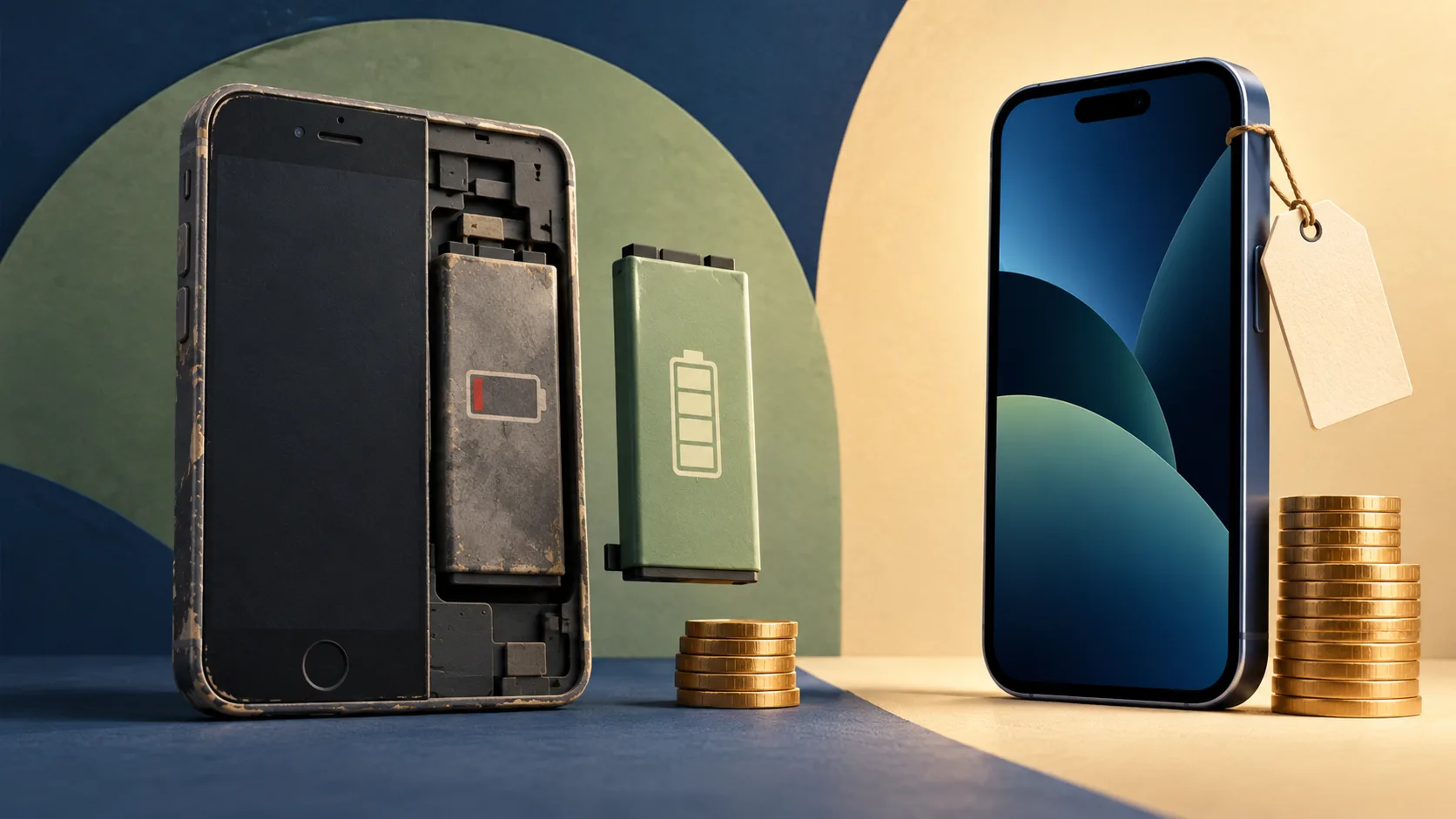
Your phone still takes the photos you want, runs your banking app, and handles messages just fine. But by midafternoon, you are looking for a charger. That does not automatically mean you need a new phone.
Replacing the battery is usually worth considering when battery wear is the main problem, the rest of the phone meets your needs, and it still receives security updates. A replacement phone makes more sense when several important things are failing—or when a battery repair would buy only a short period of useful, supported life.
The useful question is: if this phone could comfortably get through your day again, would you still want to replace it?
If your answer is no, start with the battery.
Work out whether the battery is actually the problem
Short battery life and a worn-out battery are related, but they are not interchangeable. A healthy battery can drain quickly when an app runs in the background, your screen stays bright, or your phone struggles to find a signal.
Start by describing what changed:
What you notice | What to investigate first |
|---|---|
Runtime has gradually shortened under similar daily use | Battery aging and battery-health information |
Drain suddenly increased after installing an app or update | App activity and background setup or update work |
The phone shuts down with charge still showing | Battery condition and a professional diagnosis; the symptom alone does not prove the cause |
Charging works only with the cable held at an angle | Cable and charging-port condition |
The phone lasts longer on quiet days but struggles during navigation or video calls | Your workload, signal conditions, and whether battery wear is also involved |
The screen or back is lifting | Possible battery swelling; arrange service rather than continuing routine troubleshooting |
Open your phone's battery-usage settings and look for activity that does not match how you used it. A video app near the top after an evening of streaming is expected. Heavy background activity from an app you barely opened deserves attention.
Apple's battery-drain guidance identifies background activity and weak signal as possible contributors. It also recommends waiting a few days before reassessing reduced battery life after an update, because background tasks may still be finishing. That waiting advice is for ordinary drain—not a visibly damaged phone.
For a phone without physical damage, restart it, install available system and app updates, and address any obvious battery-usage issue. Observe it over comparable days. Do not jump straight to a factory reset or purchase because of one unusually demanding afternoon.
If the casing is separating or you suspect swelling, stop using and charging the phone and contact its manufacturer or a qualified repair provider for handling instructions. Do not press the screen back down, pry the phone open, or attempt a swollen-battery repair yourself. Google's Pixel battery guidance specifically warns against pressing on the covers, opening the device, and disposing of it in household waste.
Check battery health, then interpret the result
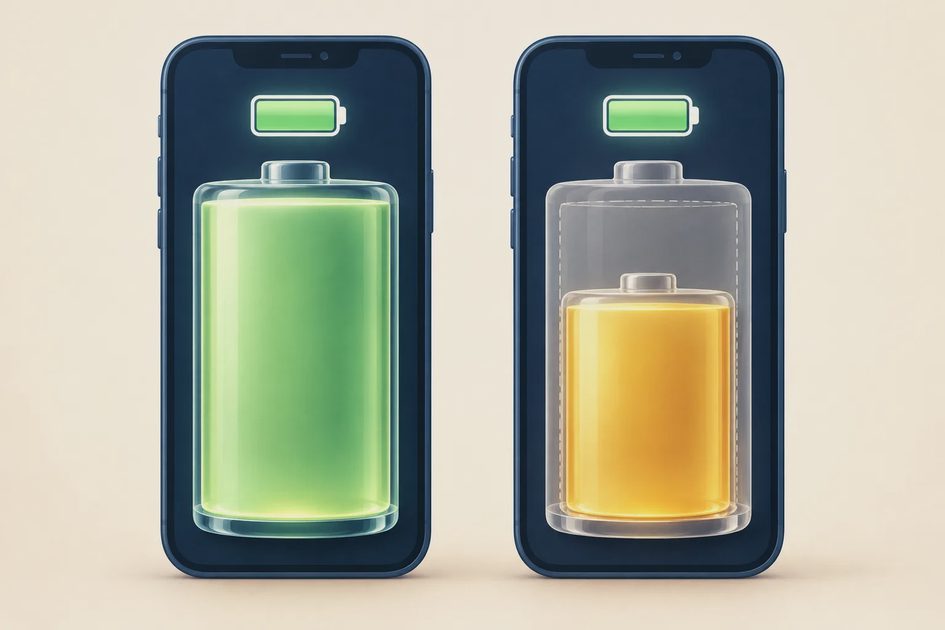
Battery health describes how much capacity remains compared with when the battery was new. It is different from the charge percentage at the top of your screen. A worn battery can show 100% charged while holding less energy than it originally did.
On an iPhone
Open Settings → Battery, then look for Battery Health or Battery Health & Charging, depending on your model and software. Review maximum capacity and any service or performance messages.
Apple explains in its iPhone battery and performance documentation that aging batteries can hold less charge and struggle to supply peak power. Replacing an aged battery can help when those limitations affect performance.
That is why a new battery may improve both runtime and some battery-related slowdowns. It will not add storage, upgrade the camera, or make an old processor equivalent to a new one.
On a Google Pixel
Google documents Settings → Battery → Battery health for Pixel 8a and later. Its health status can show “Normal” or “Reduced,” with “Reduced” indicating capacity below 80%. Google recommends considering replacement at that point. Several earlier Pixels do not display this health status, so a missing menu does not establish that the battery is fine. Check Google's model-specific instructions.
On a Samsung Galaxy
Use Samsung Members → Support, open the phone diagnostics, and select Battery status. Follow the prompts for your app version. Samsung's battery-replacement guidance notes that menus vary by model and software; persistent problems warrant a service inspection.
Treat a percentage as evidence, not the entire decision
There is no single replacement percentage that settles every phone's repair-versus-upgrade decision. Use the manufacturer's guidance for your model alongside daily runtime, service alerts, and the phone's overall condition.
If the phone still meets your needs and comfortably lasts through your day, a lower capacity estimate alone is not a reason to rush into an upgrade. If it repeatedly dies before you can get home, waiting for a particular number may not serve you either.
A new battery needs a phone worth keeping
Before requesting a repair, check three things beyond battery health.
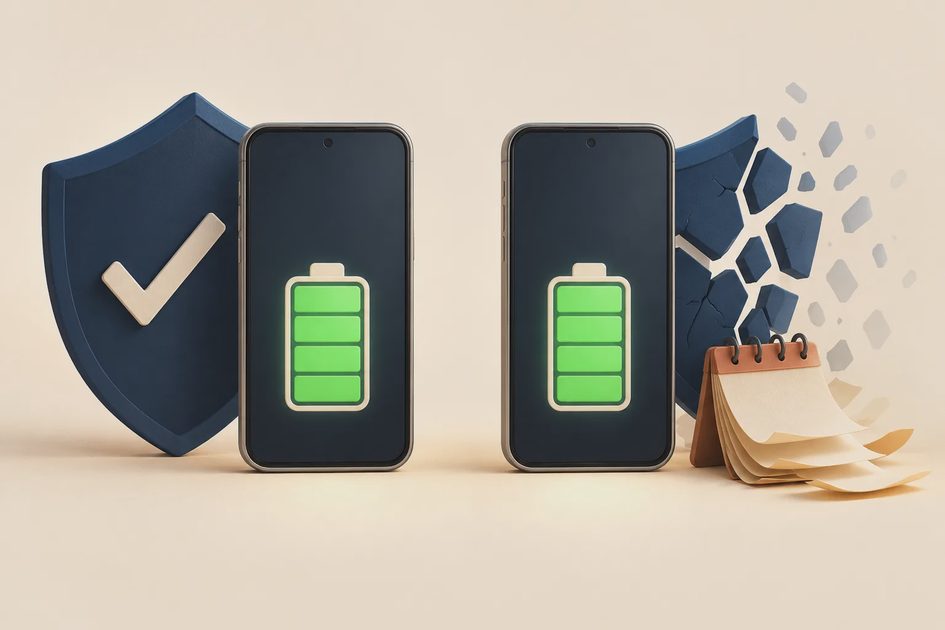
Security support. Look up the manufacturer's support information for your exact model. Installing the latest update offered to an old phone does not necessarily mean it will receive future security fixes. A battery replacement cannot restart an expired support period.
For example, Google's Pixel update policy measures its promised support from the model's first US Google Store availability, not from the day you bought a used unit. The useful number is the support time remaining.
For a main phone used for banking, work, and account recovery, I would put remaining security support ahead of squeezing out the lowest possible repair bill.
Other damage. Include a cracked screen, unreliable charging port, broken camera, or unresolved water damage in the decision. A cheap battery repair can become an expensive project when other faults need attention too.
Everyday limitations. Would you still be frustrated by insufficient storage, unsupported essential apps, or poor performance if the battery were healthy? If so, the battery is only part of the problem. Decide whether those limits are fixable or whether they justify a replacement.
The phone's age matters less than what you can reasonably expect it to do next.
Compare the full cost over useful months
There is no useful universal phone battery replacement cost. Get a quote for your model and condition, and check warranty or service-plan coverage first. Apple's battery-service page says final fees follow inspection; taxes or shipping may apply, and authorized providers can set their own out-of-warranty fees. Its model-specific price estimator was not available in the text retrieved for this article, so no current dollar quote is presented here.
A practical comparison is:
Upfront repair or replacement cost ÷ expected useful months
Use a conservative number of months that accounts for remaining security support and other limitations. This is a planning estimate, not a lifespan guarantee.
Here is a hypothetical example—not a current repair quote or phone offer:
Option | Assumed cost | Assumed useful life | Cost per useful month |
|---|---|---|---|
Battery repair, with everything else working | $120 | 18 months | $6.67 |
Replacement phone after trade-in, including tax and necessary accessories | $600 | 36 months | $16.67 |
Battery plus other required repairs, with little support time left | $300 | 8 months | $37.50 |
The first repair buys useful time at a modest cost. The last one is harder to justify, even though its upfront bill is lower than the replacement phone's.
For a real comparison, include diagnostics, required additional repairs, shipping, and a temporary phone if you need one. For a replacement, include taxes, accessories, financing costs, and any required increase in your phone-plan spending. Subtract only trade-in value or discounts you can actually receive.
Also consider downtime. A repair that leaves you without work access for several days may have a cost that does not appear on the invoice. Ask about turnaround time before booking.
Get a repair quote that answers the right questions
Ask the manufacturer, an authorized provider, or a reputable independent shop:
Is the battery confirmed as the likely cause of my symptoms?
What is the total price, including inspection and any required additional repairs?
What battery will you install, and what warranty covers the work?
Will any battery-health reporting or other functions be affected?
How will the phone be resealed, and what should I expect about water resistance afterward?
How long will I be without it, and what preparation is required?
Do not assume the lowest quote includes the same parts, workmanship, or warranty as another quote. Equally, do not assume every independent repair is unsuitable. Compare clear answers and written terms.
For an ordinary, undamaged phone, back up important data before service and verify that you can access your accounts from another device. Follow the provider's preparation instructions, including any requirements for device locks or erasure. For a damaged or swollen device, get handling advice first instead of powering it up just to complete a backup.
After the repair, test charging and the functions you rely on. Compare runtime across similar days rather than judging it during an unusually busy setup session. If the original problem persists, use the repair warranty and request follow-up diagnosis.
Make the call based on the problem you need solved
Keep it and address the drain if the trouble began suddenly, battery diagnostics do not point to wear, and an app, update, or usage change explains it.
Replace the battery if wear is the main limitation, the repair has clear terms, and the phone has enough supported, useful life remaining to make the expense worthwhile.
Replace the phone if security support has ended, important apps or features no longer work for you, or multiple repairs would cost too much for the time they buy. The replacement can be a supported midrange or refurbished phone; choose based on your needs, warranty, and remaining support.
Before browsing upgrade deals, write down your battery-health result, the all-in repair quote, and how long you can reasonably keep using the phone. If a battery repair solves your daily problem at a sensible cost, you already have a phone worth keeping.