A subscription audit starts with a simple question: which recurring payments would your household choose again today?
Some will be easy to justify. Others may be leftovers from a free trial, a finished project, or a service someone stopped using months ago.
You do not need a paid subscription-tracking app to begin. Your statements, receipts, account settings, and a short conversation with the people sharing the services can tell you a lot.
The $300 in this article is an illustrative annual savings example, not a promise. Your total may be smaller—or you may discover that most of your subscriptions are worth keeping. The goal is to stop paying for things that no longer earn their place.
Find the charges before deciding what to cut
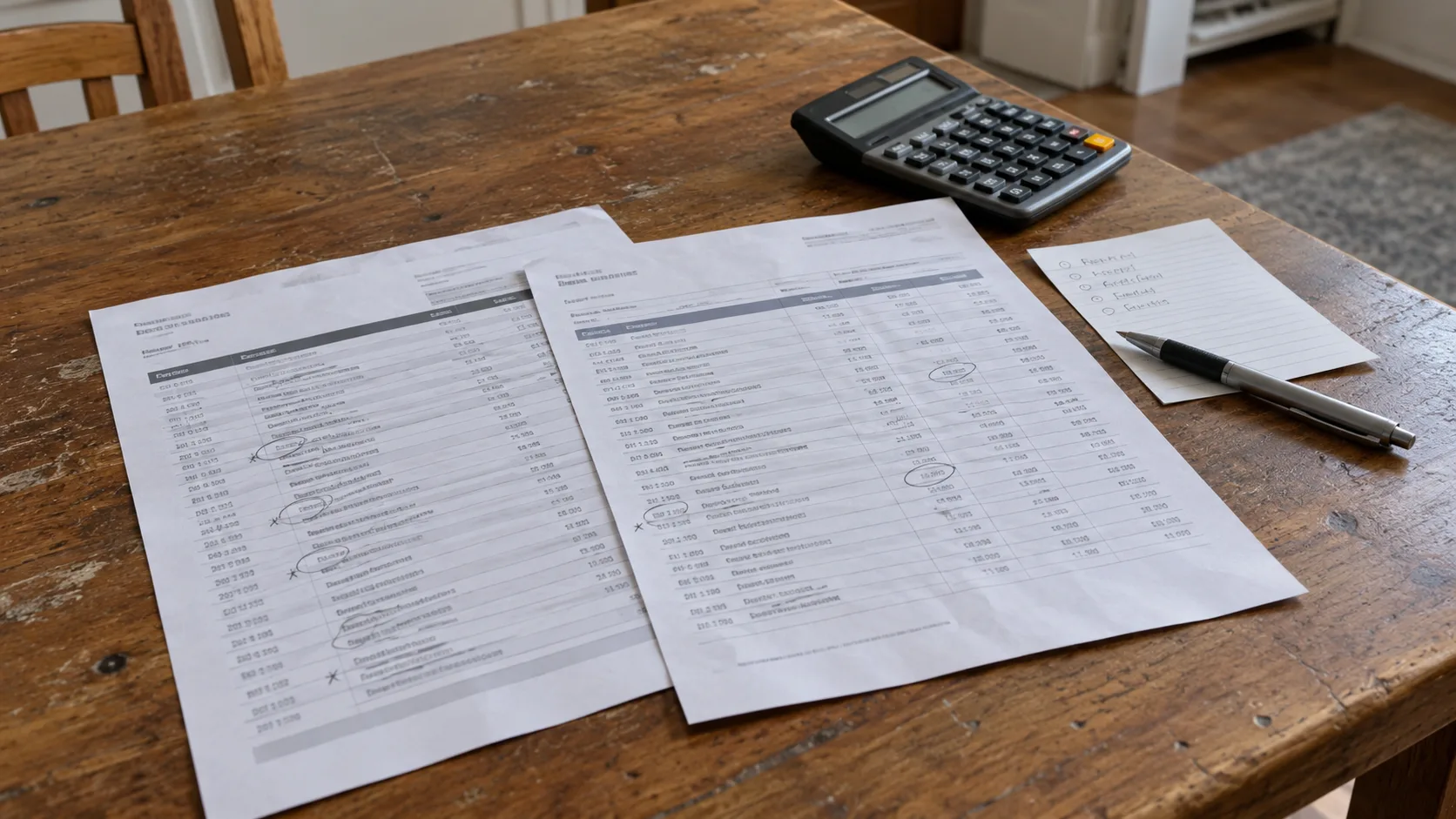
Start with recent bank and card statements to identify monthly payments. Then look back through roughly a year of records to catch annual renewals. Check longer-term commitments separately where you know they exist.
Review every payment account you use for digital purchases. A list from one card or one app store will not necessarily cover the whole household.
Search email receipts and renewal notices using terms such as:
Subscription
Renewal
Receipt
Invoice
Trial
Membership
Include older email addresses and accounts if you still use them for purchases.
Check app-store subscriptions, direct provider accounts, and any other billing services you use. Ask family members to review their own accounts rather than sharing passwords.
An unfamiliar statement description may belong to a service you recognize under another name. Match it to a receipt before deciding it is waste. If you still cannot identify it, contact your bank or card issuer through an official channel.
Treat an unauthorized charge separately from an unwanted subscription you knowingly purchased.
Make one list with enough detail to act
A simple spreadsheet or paper list is enough.
For each subscription, record:
Field | Why it matters |
|---|---|
Service | Identifies what you are paying for |
Account owner | Shows who can manage or cancel it |
Biller | Identifies where cancellation must happen |
Price and billing cycle | Separates monthly charges from annual payments |
Next renewal | Shows when another charge may occur |
Household use | Prevents cutting something someone else relies on |
Decision | Keep, downgrade, pause, or cancel |
Follow-up | Records confirmation and any remaining work |
Use the amount you actually pay, including identifiable recurring charges, rather than an old advertised price.
For monthly services, multiply the recurring amount by 12 to estimate the annual cost at an unchanged price. For annual services, use the annual renewal amount once.
Record trial end dates separately. A trial that has not charged you yet represents a possible future expense, not money already being spent.
Do not count the same subscription twice because it appears in both an app-store list and a card statement.
Look for the subscriptions nobody would choose again
The easiest candidates are often:
A service left over from a finished task.
A design app, AI tool, or document utility may have been useful for one project. If the project is over, decide whether you still need continuing access.
Two services doing the same job.
Check overlapping storage, entertainment, software, and bundled benefits. Compare the features you actually use before removing one.
A paid tier with unused features.
Downgrading may be enough if you still need the service but no longer need its higher limits or extras.
A subscription used only occasionally.
For services that permit it, subscribing when needed may cost less than staying subscribed all year. Check current terms, pricing, and any consequences of leaving.
An annual renewal kept out of habit.
Ask whether you would buy it today at the next renewal price. Last year’s purchase does not settle that question.
A low price is not a reason to ignore a service. Several small payments can add up. But infrequent use is not automatically waste: backups and other protective tools can be valuable without requiring daily attention.
How three decisions could remove $300 a year
Here is a fictional example using invented prices. These are not current product offers or results from a household test.
Assume the services are no longer needed, cancellation carries no fee, and no paid replacement is required.
Change | Current cost | Annual recurring cost removed |
|---|---|---|
Cancel an unused streaming service | $12/month | $144 |
Cancel a duplicate app subscription | $8/month | $96 |
Stop an unused annual utility from renewing | $60/year | $60 |
Total | $300 |
The calculation is:
($12 × 12) + ($8 × 12) + $60 = $300 per year.
That is an annualized reduction, not necessarily $300 returned to your account today.
If you already paid for the annual utility, stopping renewal generally targets the next payment. Any refund depends on the applicable policy. Monthly savings also depend on when cancellation takes effect.
For your own audit, subtract replacement costs, cancellation fees, and other costs caused by the change. Count a temporary pause only for the period you actually expect to pause.
Avoid claiming permanent savings from a short retention discount unless you also account for what happens when it ends.
Check what you would lose before canceling

Before cutting cloud storage or an app that holds important files, check the provider’s downgrade and cancellation rules.
Export what you need. If you make a backup, open a sample of the saved files and confirm they are usable. Connecting a drive or starting a download does not establish that the backup succeeded.
Review:
Whether your files fit within any lower storage allowance.
Which sharing or collaboration features would change.
Whether you would still be able to open or edit important documents.
Whether another household member uses the account.
Whether a bundle change affects services you intend to keep.
Whether the plan has a commitment or cancellation charge.
A subscription billed monthly can still involve a longer commitment. Check the agreement rather than assuming every monthly payment is cancel-anytime.
Do not switch to annual billing simply because the monthly equivalent looks cheaper. It saves money only if the service remains useful for the period you are committing to.
Cancel through the company that bills you
The device you use and the company collecting payment may be different.
For subscriptions billed by Apple, its official cancellation guide gives this iPhone route:
Open Settings.
Tap your name.
Tap Subscriptions.
Select the subscription.
Tap Cancel Subscription and complete any required steps.
If it is missing, check the receipt for the Apple Account used. A family member may need to cancel a subscription purchased through their account.
For Google Play-billed subscriptions, follow Google’s cancellation instructions: open subscriptions in Google Play, select the service, choose Cancel subscription, and follow the prompts.
Google explicitly notes that uninstalling an app does not cancel its subscription. Stopping renewal also does not erase remaining payments on a committed payment plan.
For a directly billed service, use its official account page and cancellation instructions. If another provider handles billing, follow that provider’s process.
Read the final screen. Pausing, accepting a discount, or deleting an account is not necessarily the same as canceling renewal. Check the effective date, access end date, and any remaining obligations.
Do not rely on removing a payment method to end the agreement.
Keep proof, then check the next expected charge
An audit is not finished when you click a button.
Save the confirmation email or screen, along with:
The account and service canceled.
The date of the request.
The stated end date.
Any confirmation or support reference.
Any remaining payment obligations.
The FTC’s subscription guidance recommends keeping cancellation records and checking statements afterward.
Set a reminder to review the account after the next expected billing date. For an annual subscription, retain the confirmation until after its former renewal date.
If a charge appears, first establish what it is for. It may relate to an earlier period, a different account, or a remaining commitment.
If the provider continues charging contrary to the cancellation, contact it with your records. If the issue remains unresolved, contact your card issuer about the dispute process. A cancellation request does not guarantee a refund or a successful dispute.
Keep the useful services and make renewal a decision
Mark each item keep, downgrade, pause, or cancel. Finish the actionable changes, then record the confirmed reduction in recurring costs.
For services you keep, add a reminder before important renewal dates. Note promotional end dates and the expected next price.
Revisit the list when someone starts a trial, completes a project, or changes a bundle. You can also schedule a periodic household review.
You do not need to reach $300 for the audit to be worthwhile. Removing one forgotten charge is progress. Confirming that a backup service or frequently used app deserves its place is useful too.
The result should be a shorter, clearer list of subscriptions your household has chosen to pay for.